
For people who build with GeneratePress + GenerateBlocks
Build once. Reuse the good parts.
Too much WordPress work gets repeated for no good reason. UltimateGP gives you reusable GenerateBlocks patterns and one focused transfer tool, so the work you finished on the last site can save time on the next one.
Native GeneratePress workflow
Clean, editable structure
Reusable patterns
Section patterns
Global Styles
Selective transfer
Class renaming
01 / The frustration
Finished work keeps getting rebuilt.
A useful section, class system, or Global Style should not become disposable just because the next project lives on another site.
02 / The idea
Solved work should stay solved.
Keep the structures that work, edit them in normal, and spend your time on what is actually different.
03 / The approach
Small tools. Clear jobs.
UltimateGP focuses on reusable patterns and selective style transfer instead of asking you to adopt another complicated platform.
One focused ecosystem
Stop starting every WordPress project from zero.
Start with a well-built GenerateBlocks pattern, then carry the matching design work forward when it proves useful. Use either product on its own or combine them into one simpler workflow.
WordPress plugin
GB Style Transfer
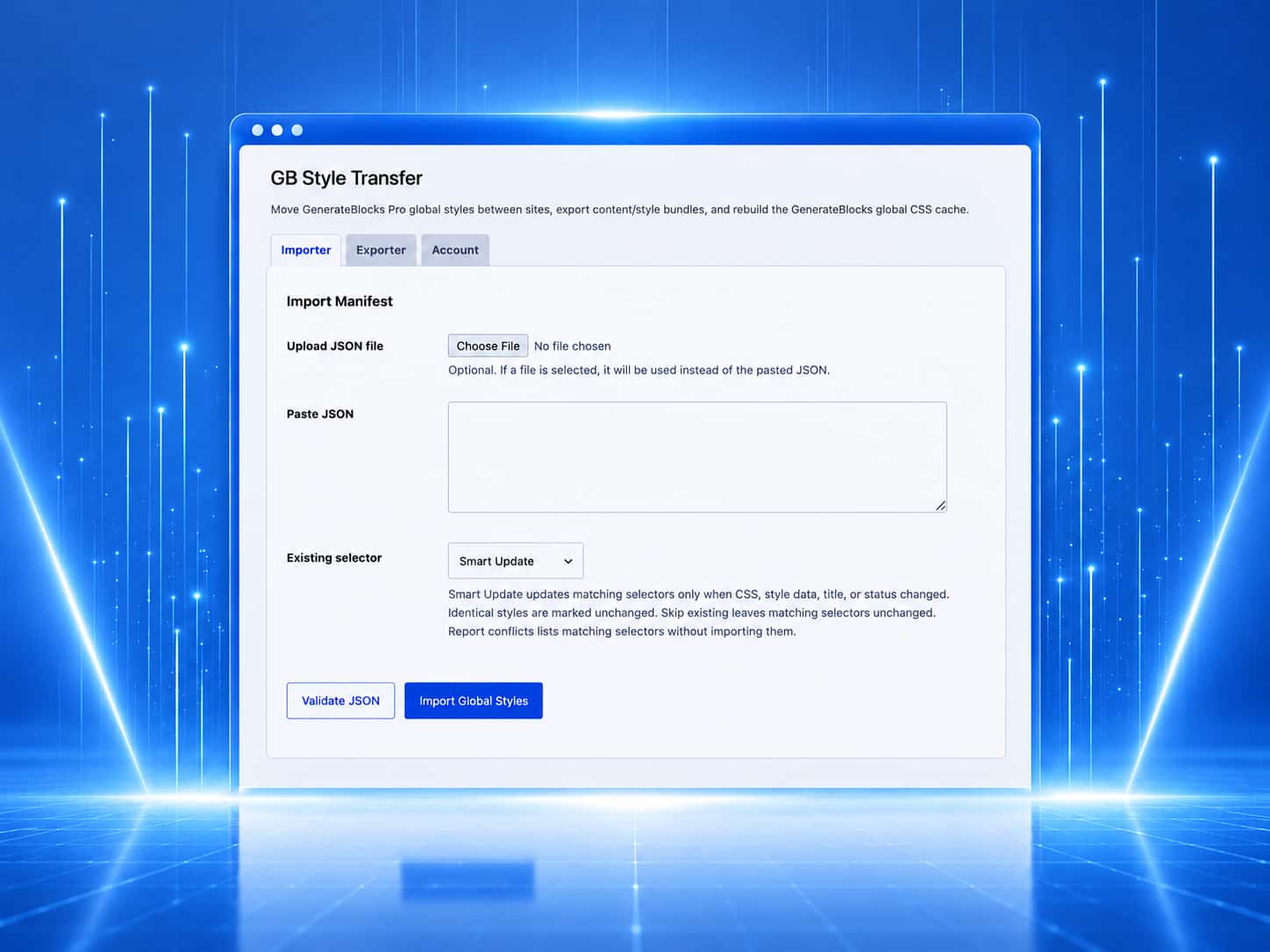
Move selected GenerateBlocks content and the Global Styles it actually uses. Review new styles, existing matches, and naming conflicts before anything is imported.
Explore GB Style TransferGenerateBlocks templates
GenerateBlocks Library
Browse ready-made sections and page patterns. Copy the block markup and matching Global Styles, then edit them for your project.
Browse templatesUsing the library
Choose a pattern, copy it, and customize it.
Every library item is built with GenerateBlocks and remains editable in the WordPress block editor.
01
Preview a pattern
Check the pattern at desktop, tablet, and mobile sizes before copying it.
Browse the library02
Copy the included files
Copy the block markup and matching Global Styles. Extra CSS or JavaScript is included only when the pattern needs it.
03
Edit it for your site
Paste the pattern into WordPress, then change the content, layout, classes, and styles.
GB Style Transfer
Copy the block without losing the work behind it.
Copying a block does not automatically copy the Global Styles behind its classes. GB Style Transfer collects the selected markup and matching styles in one package, then lets you review the result before import.
What you get
GenerateBlocks files you can keep editing.
Library templates use standard WordPress block markup and GenerateBlocks Global Styles, so you can continue editing them normally.
01 / Templates
Ready-made sections and pages.
Use library patterns as a starting point instead of building every layout from scratch.
02 / Transfer
Selected blocks and matching styles.
Move the content you choose without importing every Global Style from the source site.
03 / Review
Check changes before import.
See new styles, existing matches, renamed classes, and conflicts before updating the destination site.
Start where the friction is
Choose the product that saves time on your next build.
Browse reusable layouts or see how GB Style Transfer moves proven design work between WordPress sites.